File · Markdown · AI Ready
Turn your files into clean Markdown for your AI tools.
TextQuay, by Forge for AI, converts PDFs, Word docs, spreadsheets, images, web pages and more into Markdown you can paste straight into ChatGPT, Claude or Gemini.
One purchase for all your Apple devices — iPhone, iPad & Mac.
14 days free, then £2.99 once No subscription No ads or analytics
Built for the AI tools you already use
How it works
From raw file to AI-ready in one tap
TextQuay is intentionally simple. Every conversion runs the same clean, four-step path — no settings to wrestle with, nothing to learn.
File
Import a PDF, doc, sheet, image or URL.
Clean
Formatting bloat, tags and noise stripped out.
Markdown
Clean, portable Markdown with structure intact.
AI Ready
Copy or share it straight into your AI tool.
Live demo
Watch the mess become Markdown
Explore illustrative examples of common source formats and their Markdown representation. Results depend on your file.
Example Markdown output
Bring in almost anything
20+ formats in. One clean format out.
TextQuay reads the file types you actually work with and turns every one of them into portable Markdown.
Documents
PDF · DOCX · DOC
Spreadsheets
XLSX · CSV · TSV → tables
Images (OCR)
PNG · JPG · HEIC · TIFF
Web pages
URLs · HTML · XHTML
Code & text
TXT · MD · SWIFT · PY · JS
Structured data
JSON · JSONL
Rich text
.rtf · .rtfd
…and more
New formats added over time
Smaller, cleaner, ready for AI
More signal. Less context wasted.
Markdown strips away formatting bloat, so your AI tool gets more of what matters in every prompt.
Examples of supported formats. The resulting Markdown depends on the source format and content.
A tour of the app
One clear workflow. No clutter.
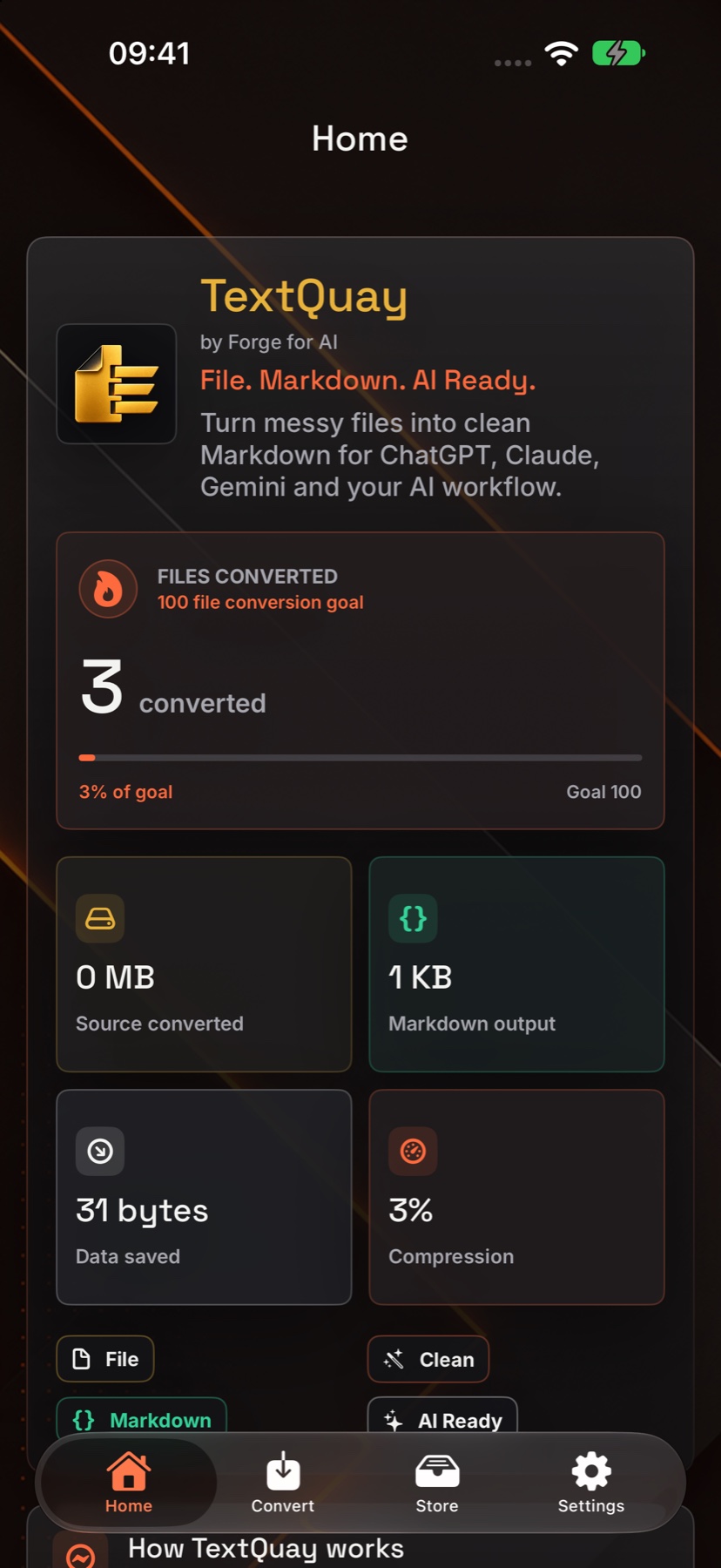
A preview of TextQuay 2.0 on iPhone, iPhone Duo, iPad and Mac, using sample documents converted by the app.
iPhone · Home
Start with the workflow, formats and conversion history.
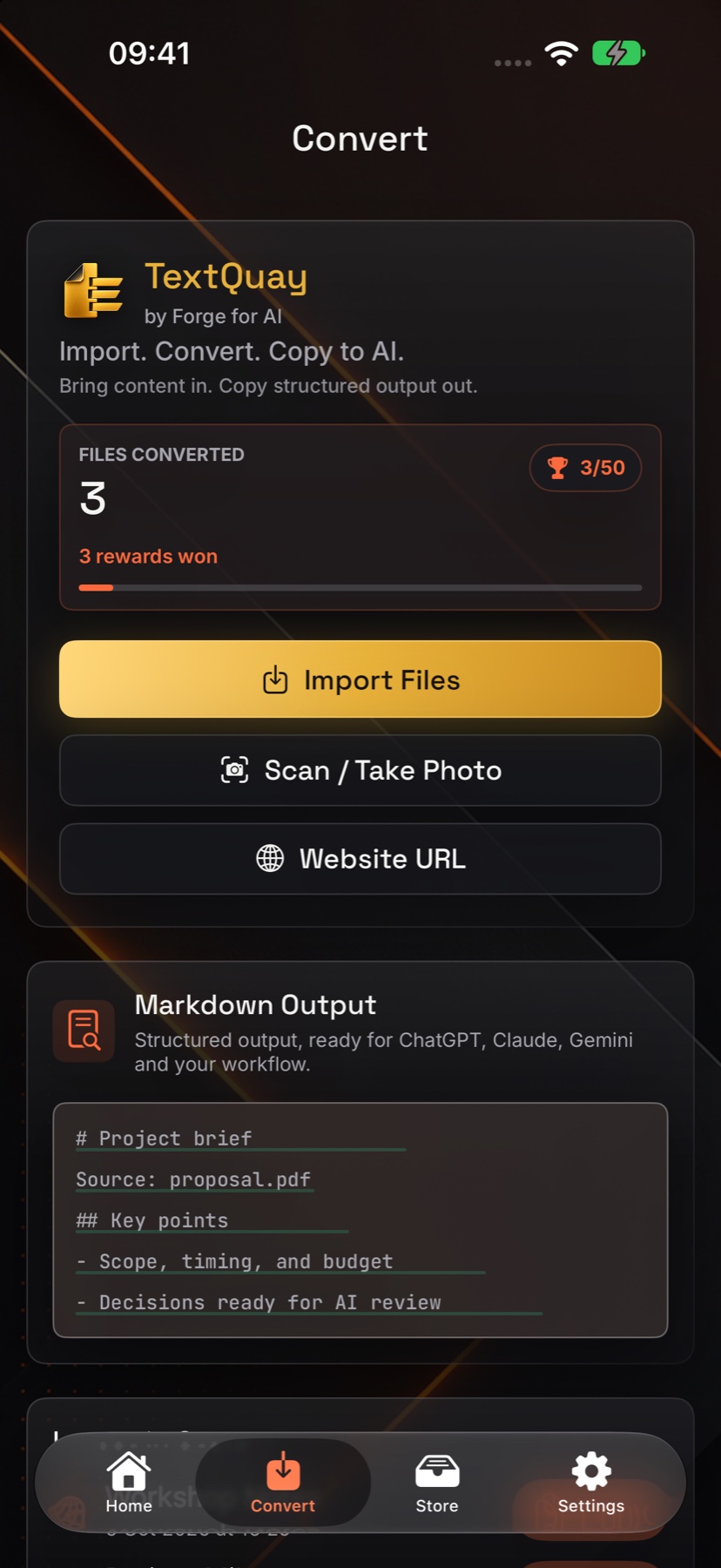
iPhone · Convert
Import a file, use image OCR or bring in a web page.
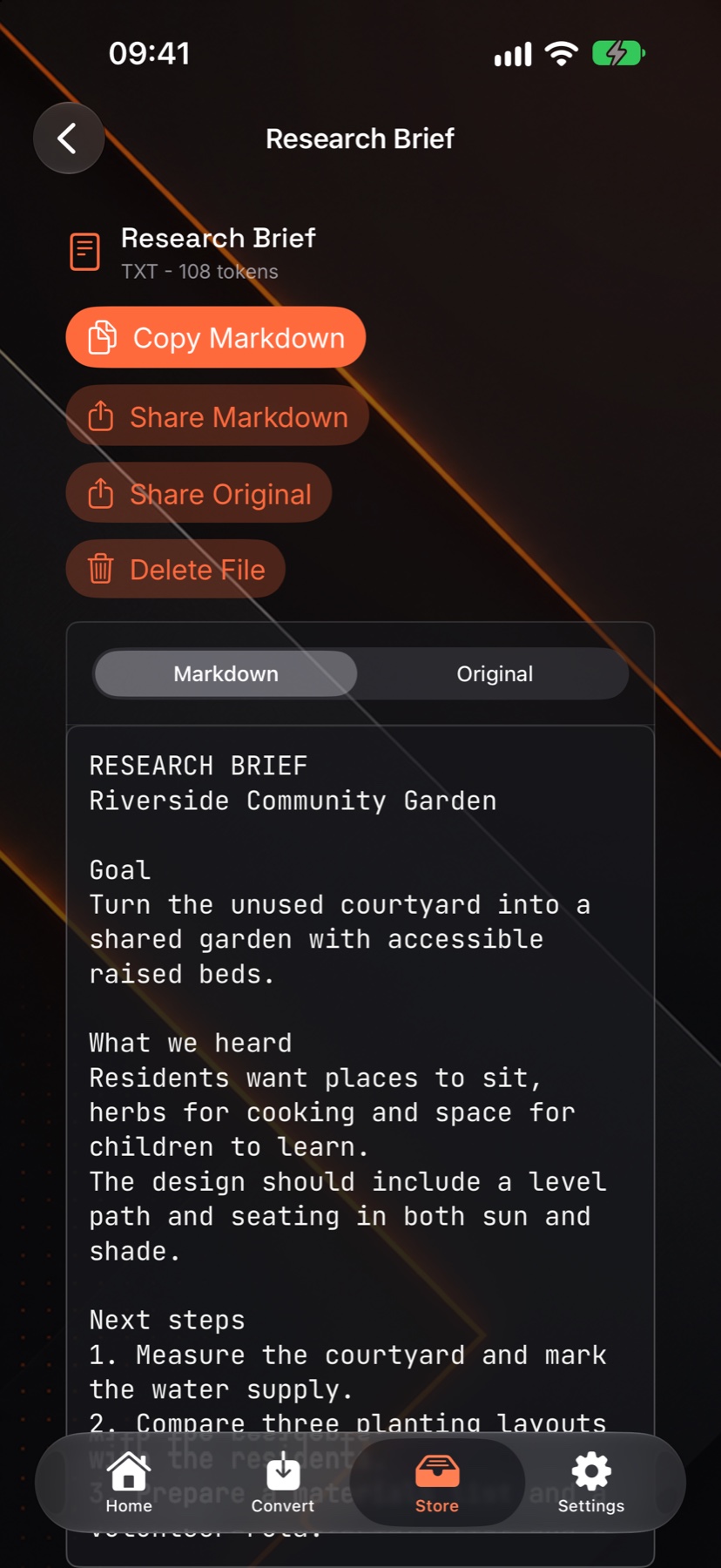
iPhone · Markdown
Read the converted text and copy or share it.
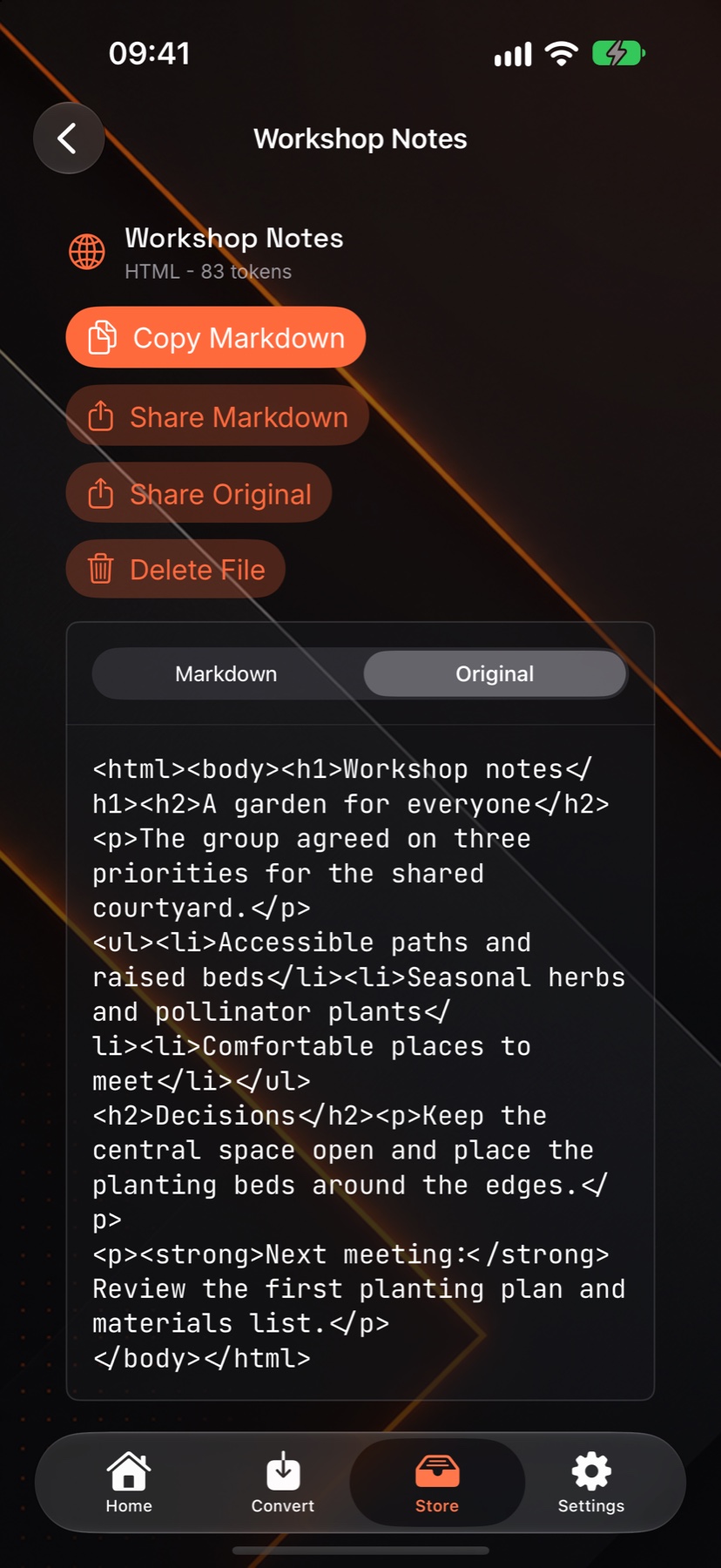
iPhone · Original
Keep the source beside the Markdown result.
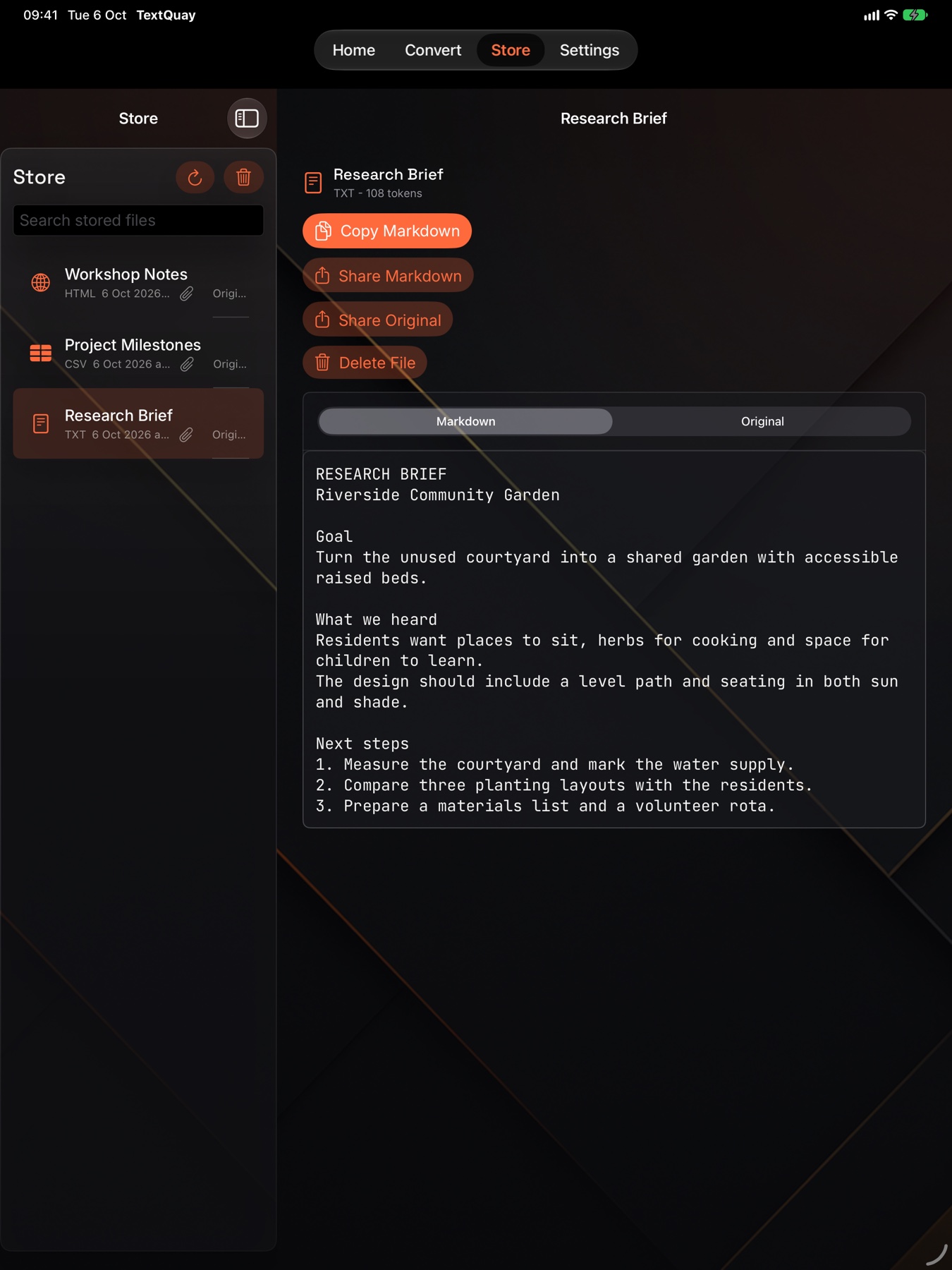
iPad · Library
See the library and converted text together.
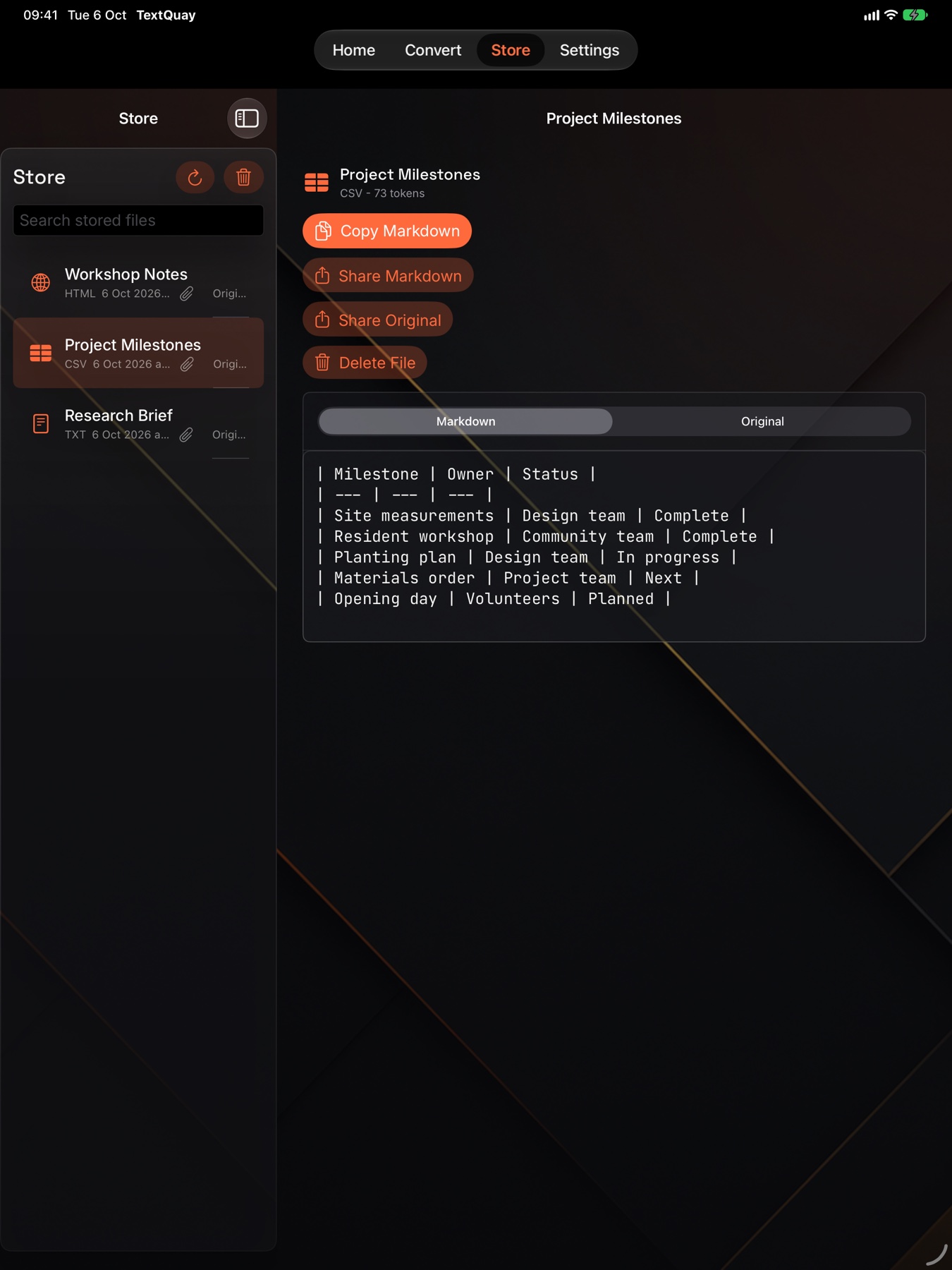
iPad · Tables
Read structured spreadsheet data as Markdown.
← scroll to explore all screens →
iPhone Duo
Two views of your workspace.
TextQuay 2.0 preview on the outer and inner displays, using the same sample document.
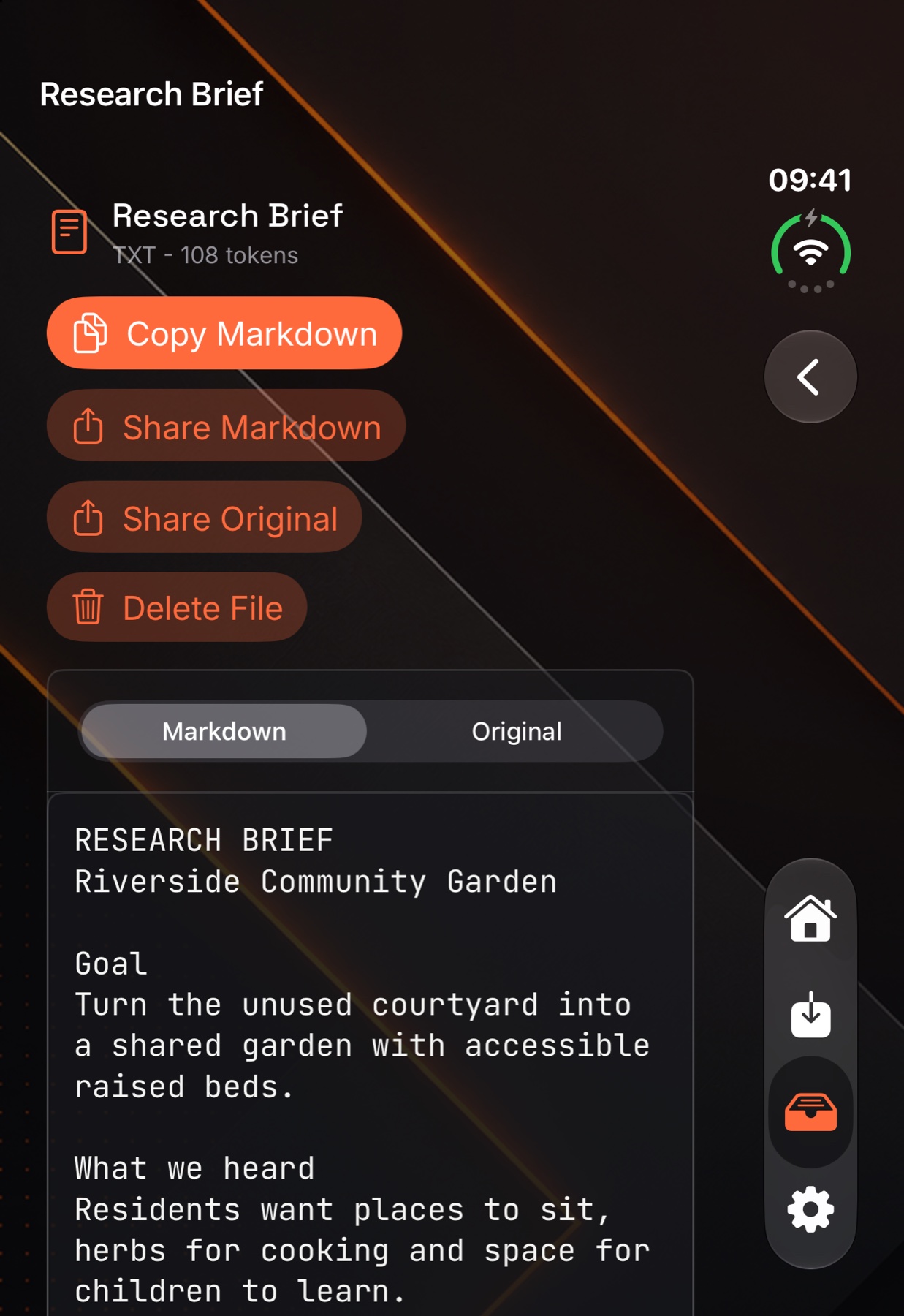
Duo · Outer display
Read a converted document in the outer-screen layout.
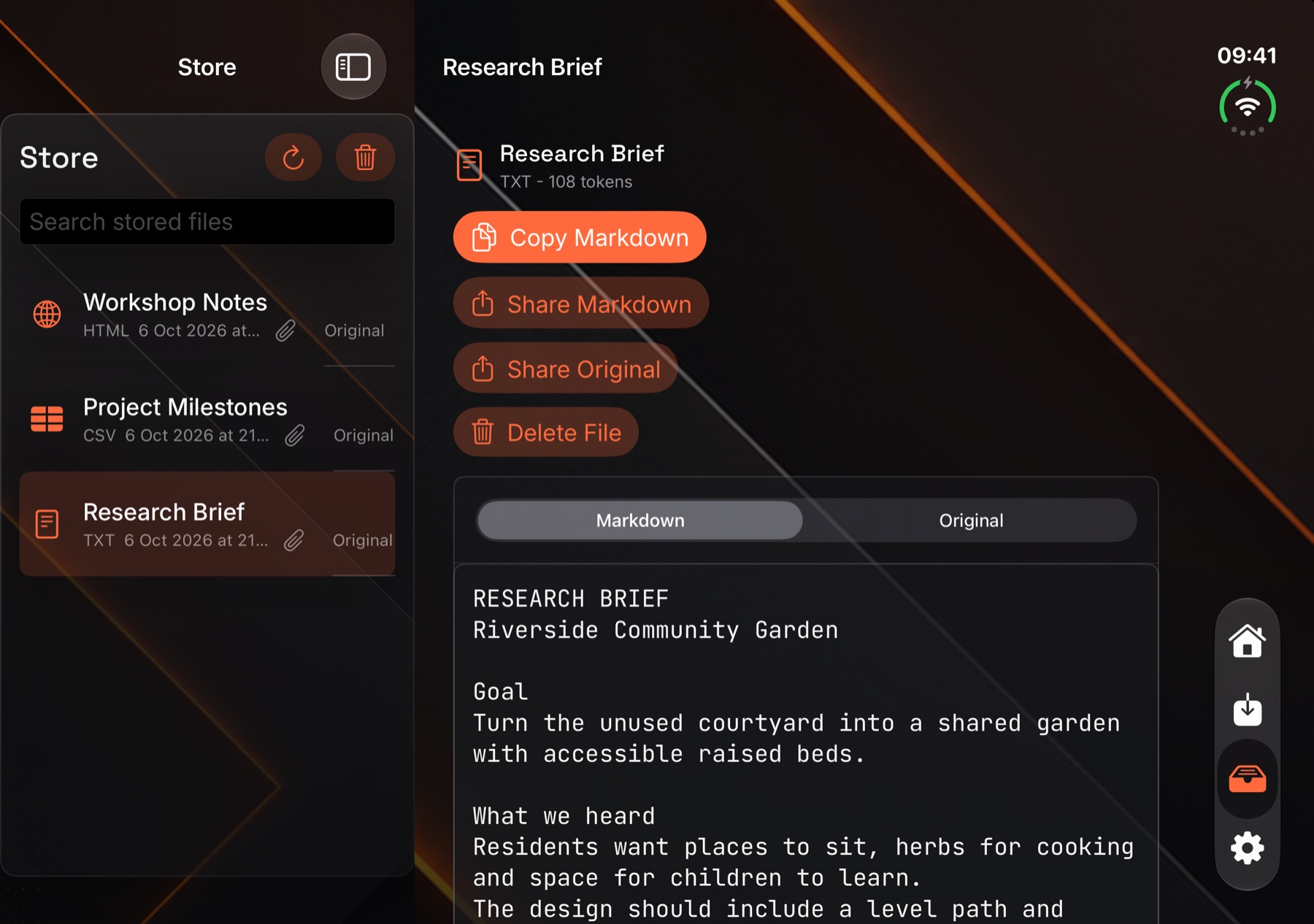
Duo · Inner display
View the library and Markdown together in the wider layout.
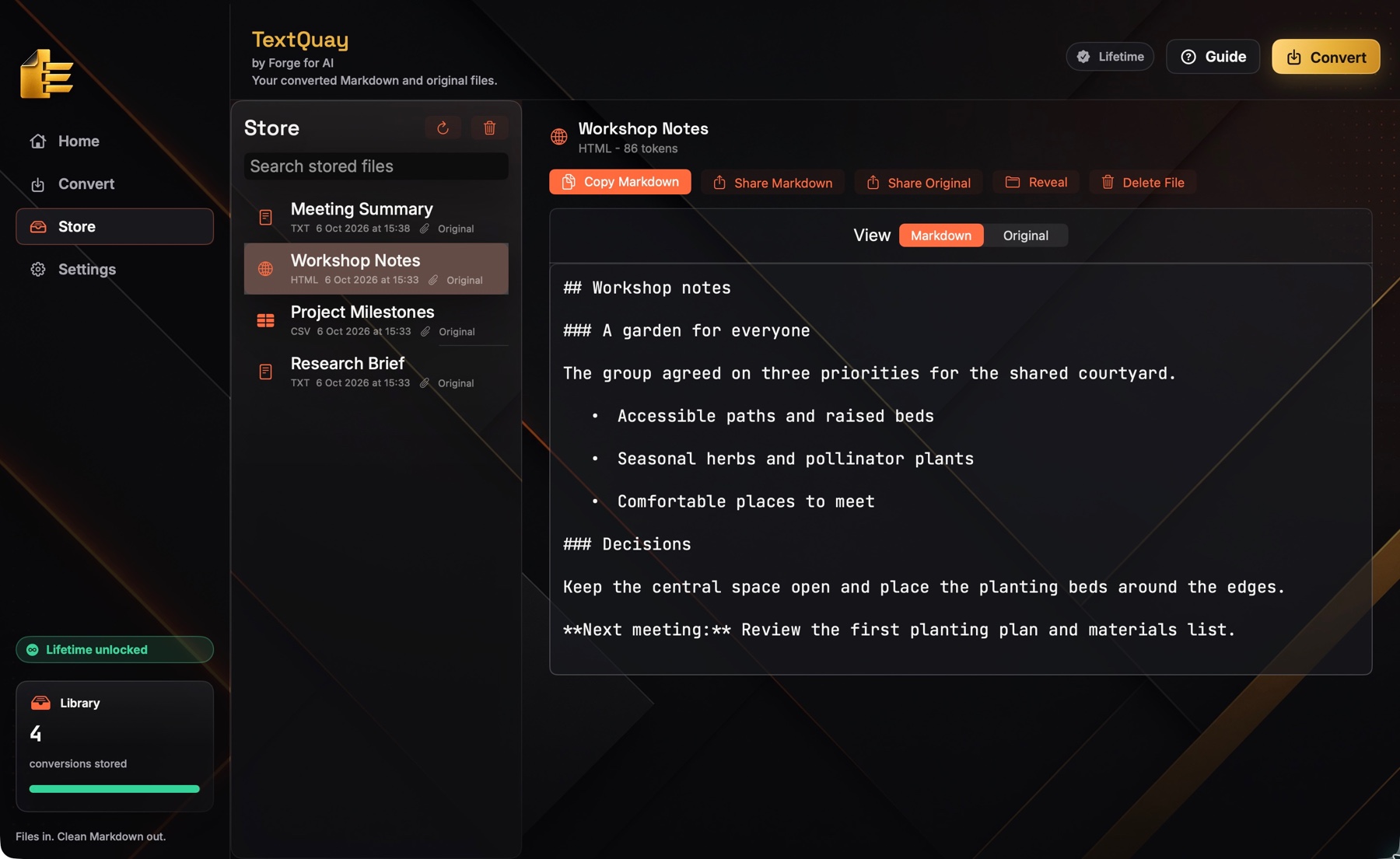
iPhone · iPad · Mac
The same simple workflow, wherever you work.
TextQuay is a native Apple app built for iPhone, iPad and Mac. Convert on your phone in a queue, or on the Mac at your desk — the workflow never changes.
Built to be trusted
Private by design. Yours forever.
TextQuay is deliberately boring about your data: it doesn’t want it, doesn’t collect it, and doesn’t phone home.
On-device processing
Files are converted locally using Apple’s on-device tools. Nothing you convert is uploaded to us — ever.
No ads, no analytics
No tracking SDKs, no adverts, no attribution. There’s no server that knows who you are or what you convert.
No login required
Open TextQuay and start converting. There’s no account to create and nothing tied to your identity.
Originals kept safe
Your original and its converted Markdown are saved together in TextQuay’s local library.
Pricing
Pay once. Keep it for good.
No subscription, no renewal, no surprise. Try it free, then unlock it forever with a single payment.
Free for 14 days · then a single £2.99 lifetime unlock
- Unlimited conversions across all supported formats
- iPhone, iPad and Mac — one purchase
- A non-consumable unlock, not a subscription
- No ads, no analytics, no login
Free trial handled by the app · purchase via Apple, £2.99 equivalent in your region
What you don’t pay for
Questions
Good to know
Is TextQuay a subscription?
No. TextQuay is free for 14 days, then a single one-off £2.99 lifetime unlock — a non-consumable purchase through Apple. It never renews and never charges you again.
Which files can it convert?
PDFs, Word documents, Excel spreadsheets, CSV/TSV, images (with OCR), web pages and website URLs, HTML, rich text, JSON, JSONL, and plain text or code files like Swift, Python and JavaScript — 20+ formats, all into clean Markdown.
Does anything I convert leave my device?
No. Conversion happens on-device, including image OCR using Apple’s on-device tools. TextQuay saves the original and Markdown in its local library. TextQuay has no server that receives your files.
Does it work on Mac as well as iPhone and iPad?
Yes. TextQuay is a native app for iPhone, iPad and Mac. A single £2.99 purchase covers all your Apple devices.
Do I need an account?
No login, no sign-up, no account. Open the app and start converting.
Why Markdown for AI tools?
Markdown keeps the structure — headings, lists, tables — while dropping the formatting bloat that eats into your context window. That means cleaner input and more room in every prompt for ChatGPT, Claude, Gemini or your own workflow.
Turn your files into clean Markdown
Fourteen days free. Then £2.99, once, forever. No subscription, no ads, no tracking.